LINE Bot · URL monitoring
When your site goes down, we ping you.
Every minute offline is money lost. Don’t find out from your customers.
Add URLs in LINE. Get instant alerts when they’re offline or hit DNS errors. No dashboard to babysit—just add and forget.
Add Pingka on LINE →Features
Built for reliability, not noise.
LINE alerts
Get one clear message when something breaks—DNS, connection, or 5xx. No spam, no inbox flood.
Smart cooldown
Same error within 10 minutes? We skip the repeat. You hear about new issues, not the same one again and again.
Per-URL control
Turn the watcher on or off for each URL. Pause when you’re doing maintenance.
All in LINE
Add, edit, and delete URLs from chat. Check quota and manage everything without leaving the app.
Group alerts
Add Pingka to a LINE group. Everyone in the chat sees the same alerts—no need to forward or loop in the team.
How it works
Three steps. Then you’re covered.
Add Pingka on LINE
Search for the Pingka bot and add it. No signup form, no password—just LINE.
Type "pingka"
Send pingka in the chat to open the dashboard. Add, manage, and monitor your URLs from there.
Get alerted when it breaks
We check every 3 minutes. If a site is down or DNS fails, you get one aggregated alert with the details.
Start monitoring in one minute
Add the Pingka bot on LINE and send your first URL.
Open Pingka on LINE →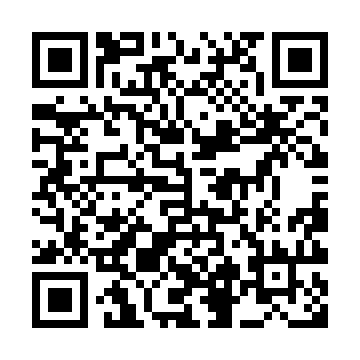
Scan to add Pingka as a friend
Or open your LINE URL management page from the bot menu.